
It opens mid-video
The For You feed starts playing the moment you open the app. There's no menu or decision point before the first video.
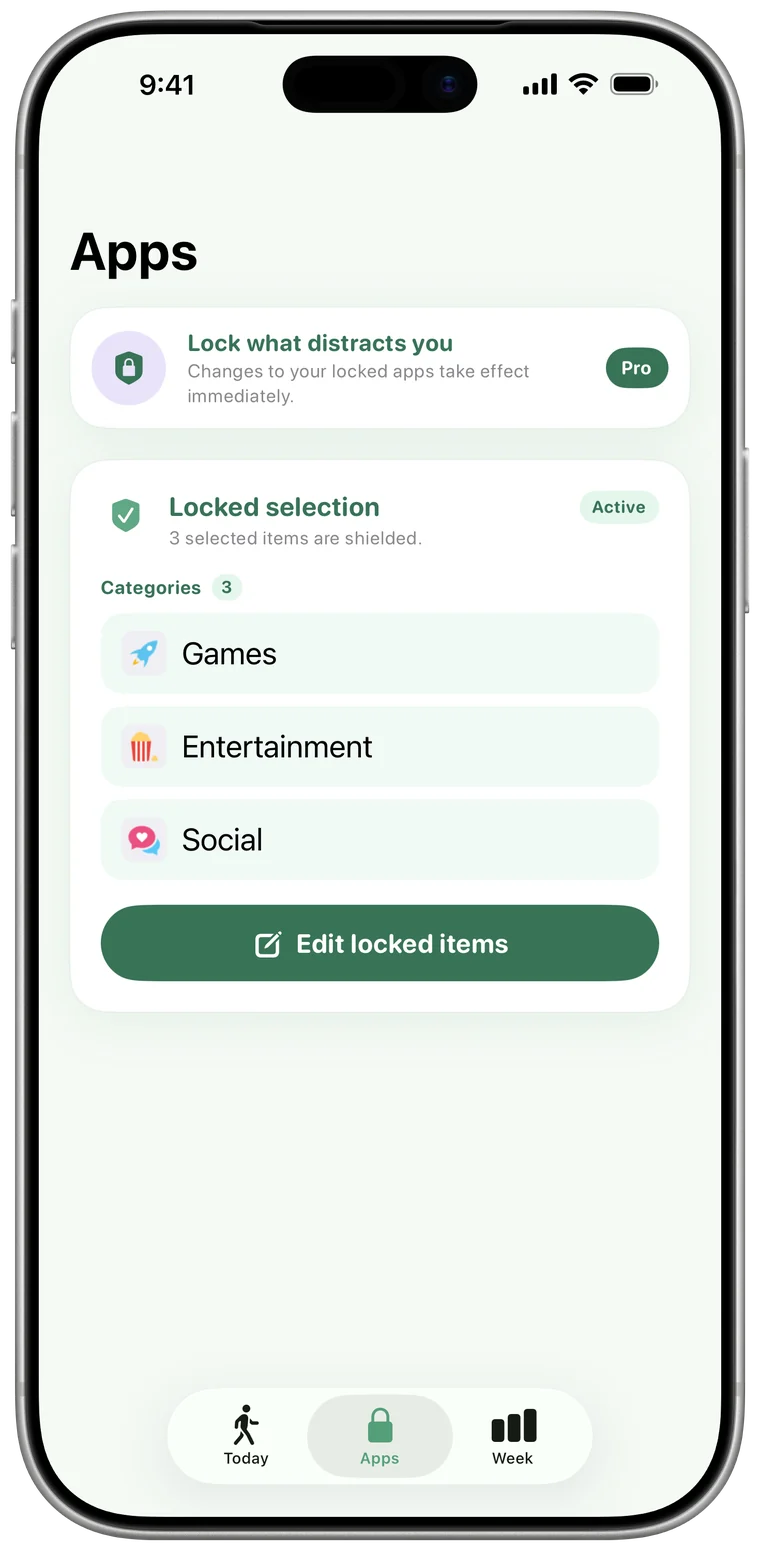
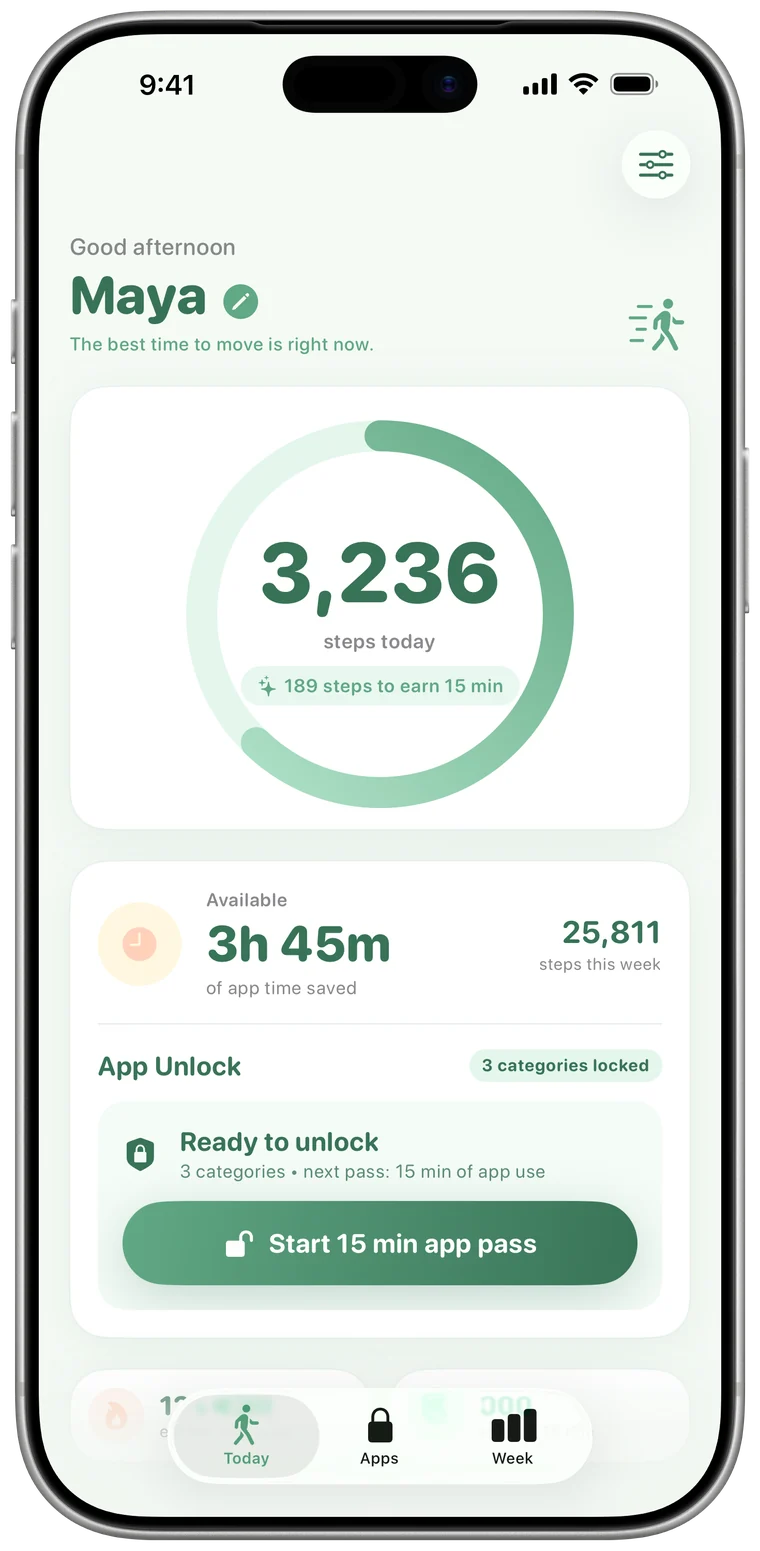
Stride locks TikTok and hands it back in 15-minute passes you earn by walking. 500 steps buys one pass. When it runs out, TikTok locks again without you lifting a finger.
The For You feed starts playing the moment you open the app. There's no menu or decision point before the first video.
Each video is short, so one more always feels small. Twenty of them add up to an hour you didn't plan to spend.
For You is tuned by what you watch, replay and skip, so it gets better at holding your attention the more you use it.
TikTok is built so you never have to decide to keep watching. Stride makes you decide to start.
500 steps is roughly five minutes of brisk walking. Drag to see what a day of walking buys.
Earns this much TikTok
| Steps | App time |
|---|---|
| 1,000 | 30 min |
| 2,500 | 1h 15m |
| 5,000 | 2h 30m |
| 8,000 | 4 hours |
Minutes bank for the week and reset Monday. They only count down while you're using locked apps.
iOS can already put a timer on TikTok. Here's how a step-powered lock is different.
| iOS App Limits | Stride | |
|---|---|---|
| When time is up | A limit screen with Ignore Limit: one more minute, 15 more minutes, or the rest of the day, unless a Screen Time passcode is set. | TikTok stays locked. More time comes from walking. |
| Getting more time | Tap a button. | Walk 500 steps for every 15 minutes. |
| Unused time | A daily limit that starts over each day. | Banked for the week, reset every Monday. |
| Side effect | None. | Every unlock comes with a short walk. |
| Cost | Built into iOS. | Free for one app. Pro for unlimited apps and categories. |
Yes. Stride's free plan locks one app, and TikTok can be that app. Stride Pro ($4.99/month, $19.99/year or $39.99 once) adds unlimited apps and whole categories.
No. Apple's Screen Time framework gives Stride an anonymous token for TikTok. Stride can lock and unlock the app, but it can't see your feed, your messages or anything else you do inside it.
No. Stride locks the TikTok app. To block tiktok.com in Safari as well, add it as a restricted website in Settings › Screen Time › Content & Privacy Restrictions.
TikTok locks again on its own. Stride sends a heads-up when one minute is left and another when your minutes are used up.
If you have minutes banked, start a 15-minute pass from the Today tab. If not, a short walk earns more. You can also remove the lock in the Apps tab at any time. Stride is a commitment device, not a cage.
TikTok's built-in daily limit can be overridden from inside the app with a passcode you set yourself. With Stride, more TikTok time comes from walking, which is harder to wave away and good for you.

Download Stride, lock TikTok, and earn it back one walk at a time.
Or search “Stride App Lock” on the App Store.